 Glim
Glim
Make every post
look designed.
Pick a template, add your photos, and share in about a minute. Photo dumps, recaps, collages and more.
Free to start.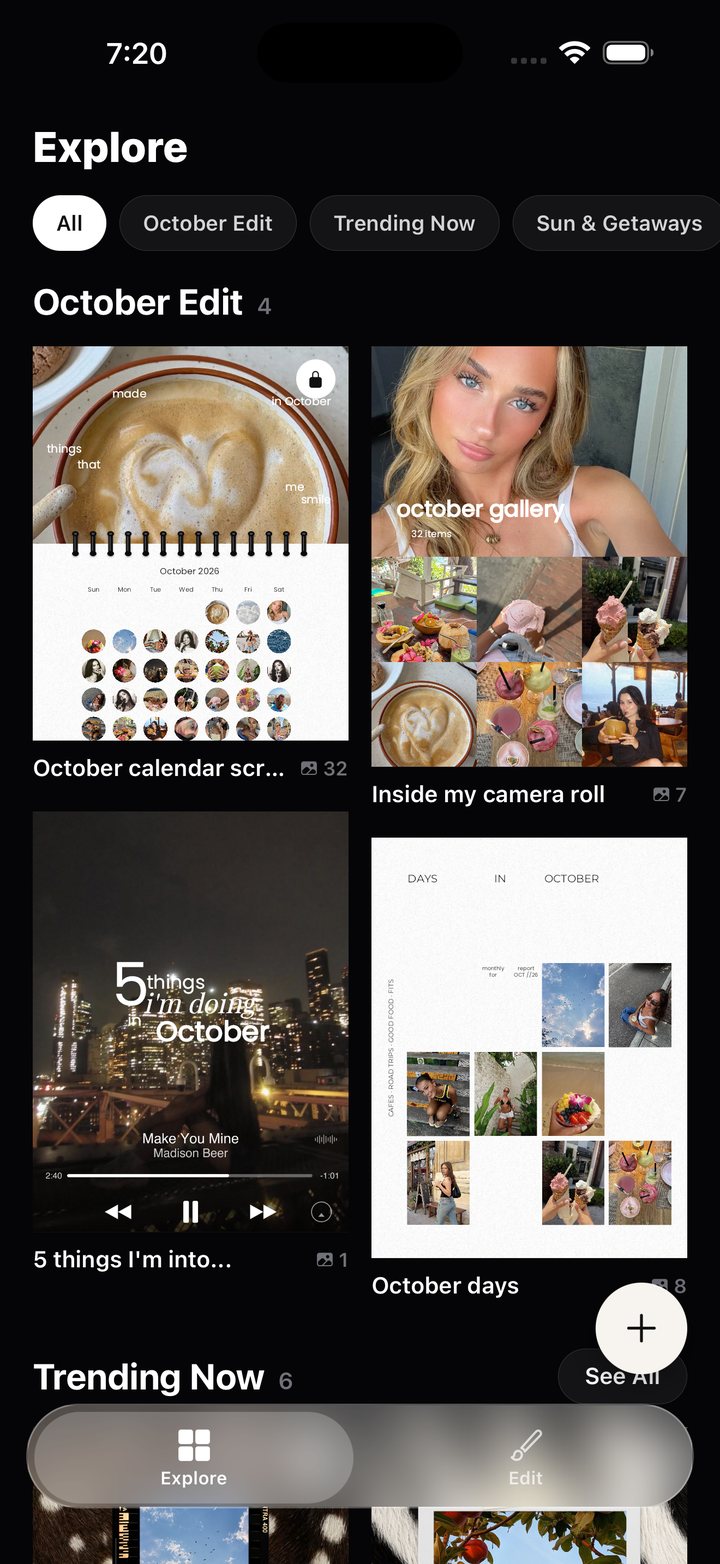
Templates
Start from a layout that already works
Browse photo dumps, monthly recaps, outfit posts, story layouts and music cards. Open one, drop in your photos, and it fills itself in.
Stickers
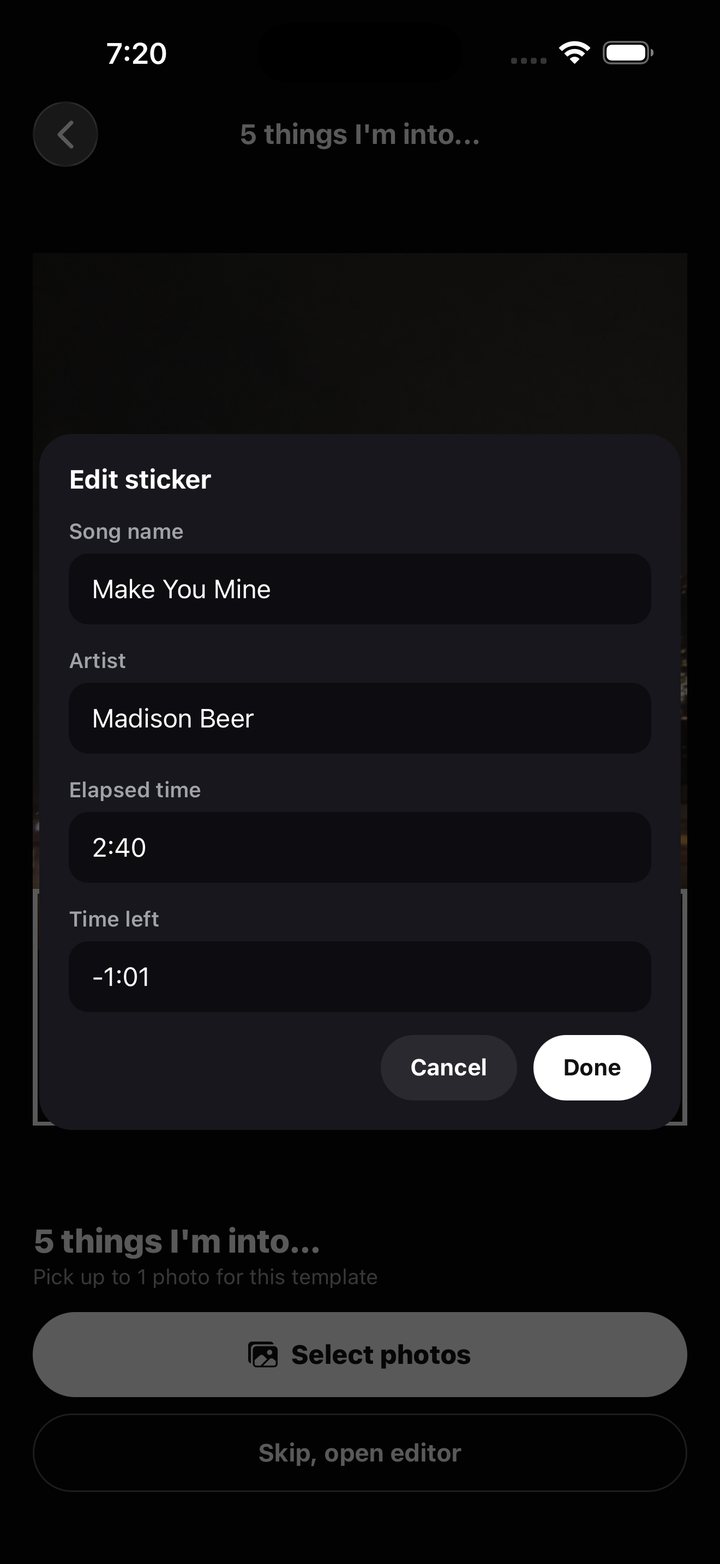
Change the song, the caption, the name
Music players, notes, tickets and swatches are editable right on the sticker. Type your own text and it updates in place.
Cut-outs
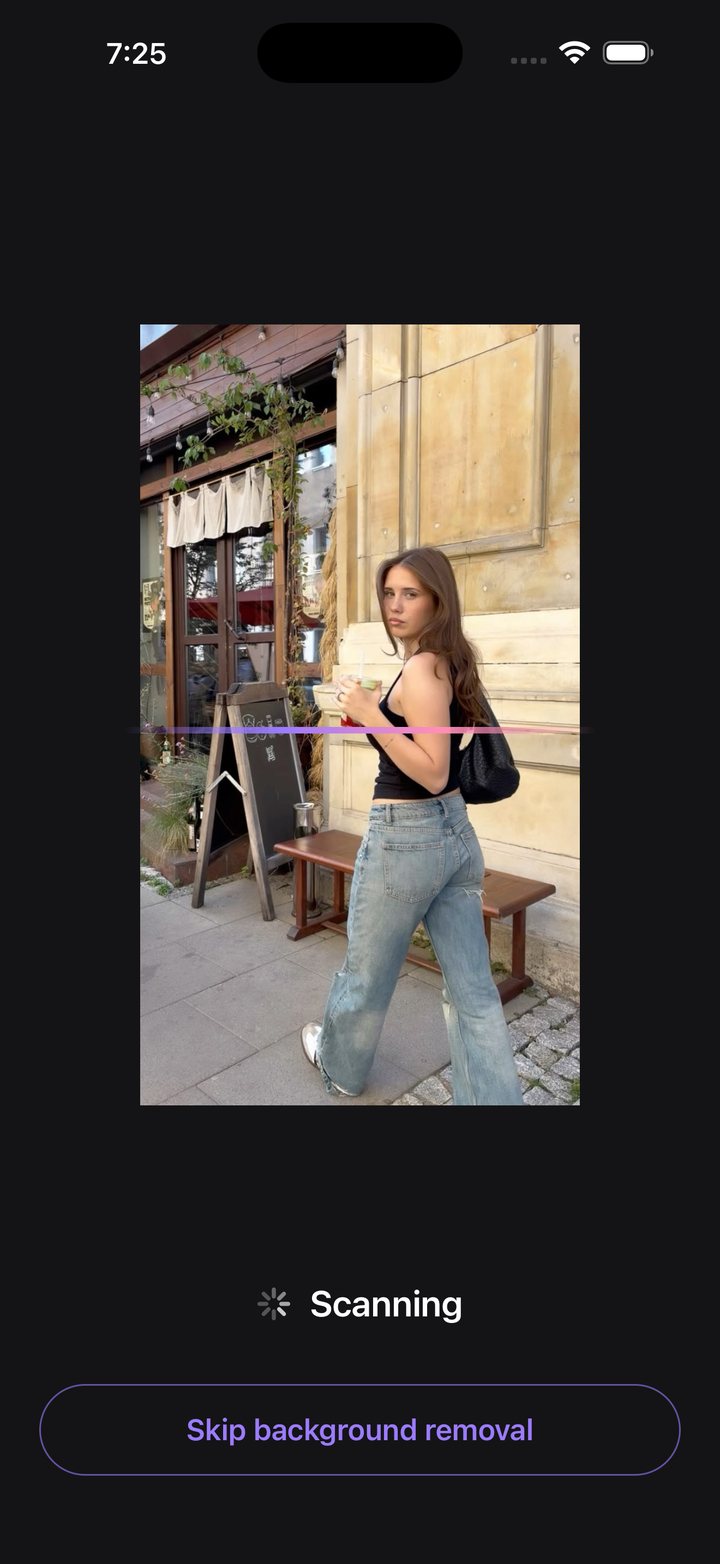
Lift a person or object out of its background
One tap removes the background so you can layer your photo over any design.
Editor
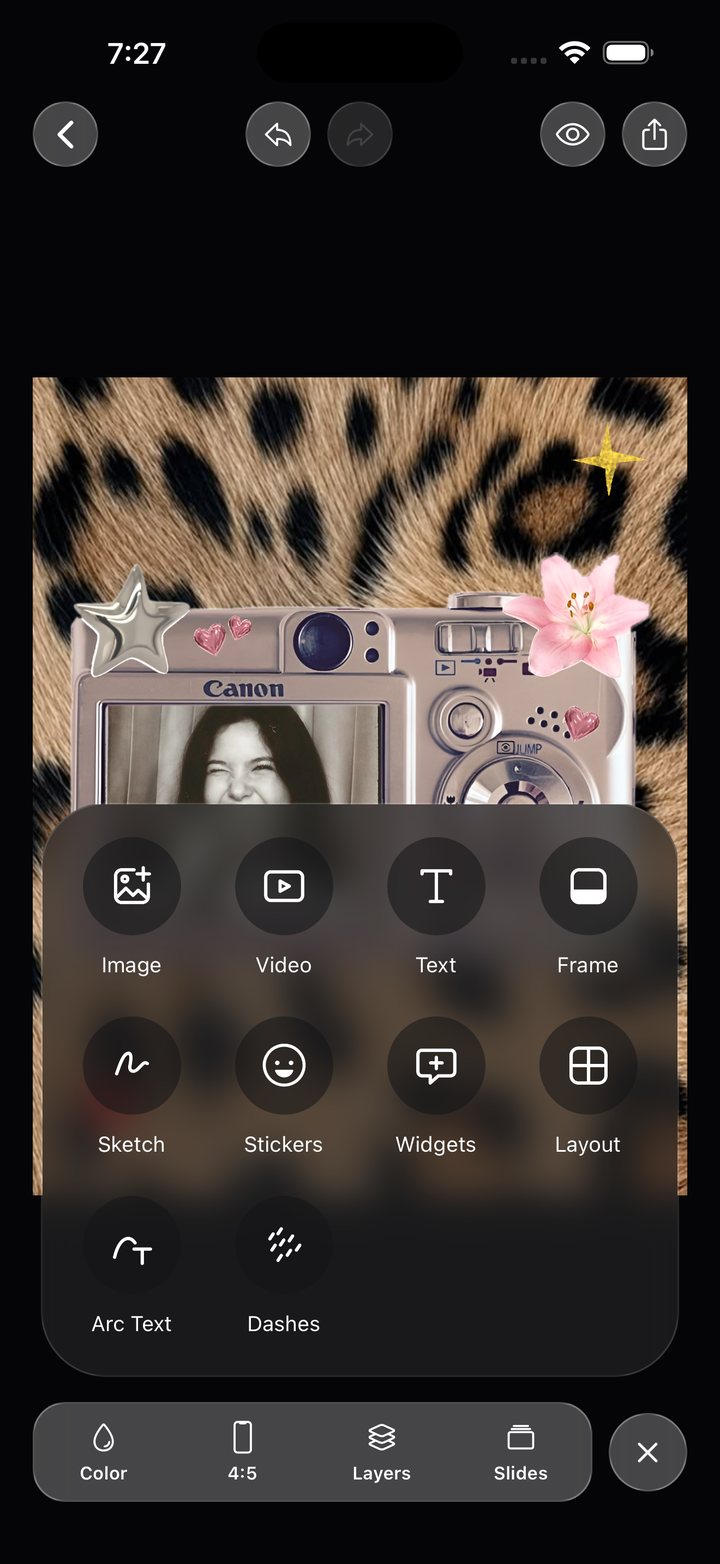
Everything you need, nothing you don't
Add images, video, text, frames, stickers, widgets and drawings. Guides snap everything into place, and your projects save as you go.
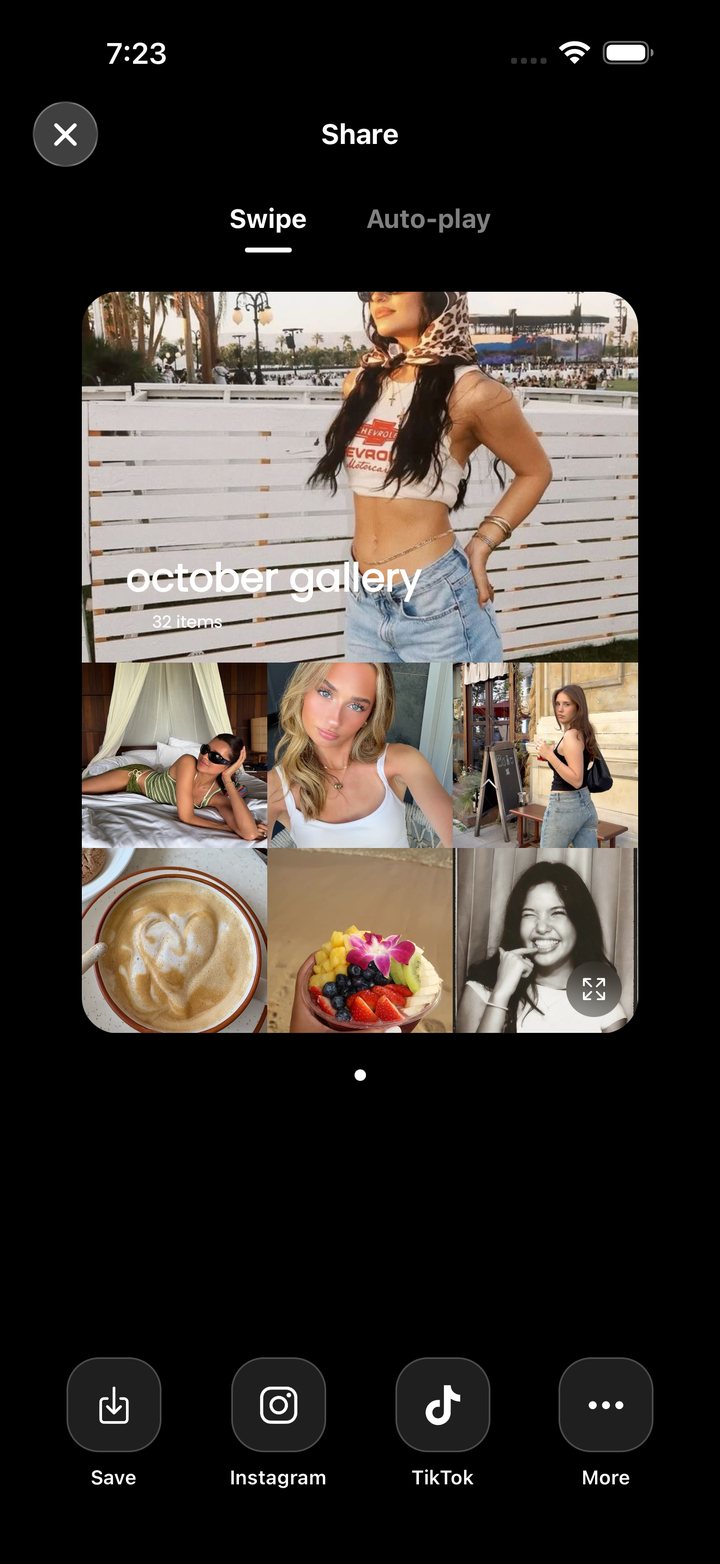
Share
Post it straight from the app
Save to your library or send it to Instagram or TikTok. Swipe posts or auto-play slideshows, you choose.